St. Peters

Refresh
Refresh in 0 seconds
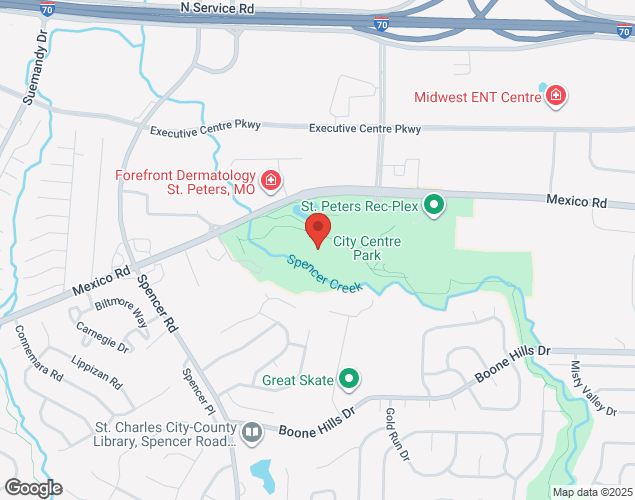
St. Peters Rec Plex (Disabled)
-
It's A Go!Updated 30+ days ago
1769534246
Ext 1
Last Updated On By Brenton Ward
Additional Information
Open in the App
Loading...
Dial-in Status Info
(636) 747-0009 ext 1
Website
Aditional Info
No info provided
About Statusfy
Statusfy is used as a rainout line and status notification service for parks and recreation, sports,
and for any facilities, events, or services that need status sharing and broadcasting via website, mobile app, digital signage, api, and dial-in phone.
Share
Scan or Share this QR Code to favorite this status in the app
Share a short url to this page
http://stfy.us/t929t17Embed Status info on a website
List view
It's A Go!
Updated 30+ days ago
1
Alert box
More embed options are available on the Share & Integrate page
Print a flyer to help others access the status
Print Flyer